One-time purchase. LM Studio and Docker Desktop required. Check your setup.
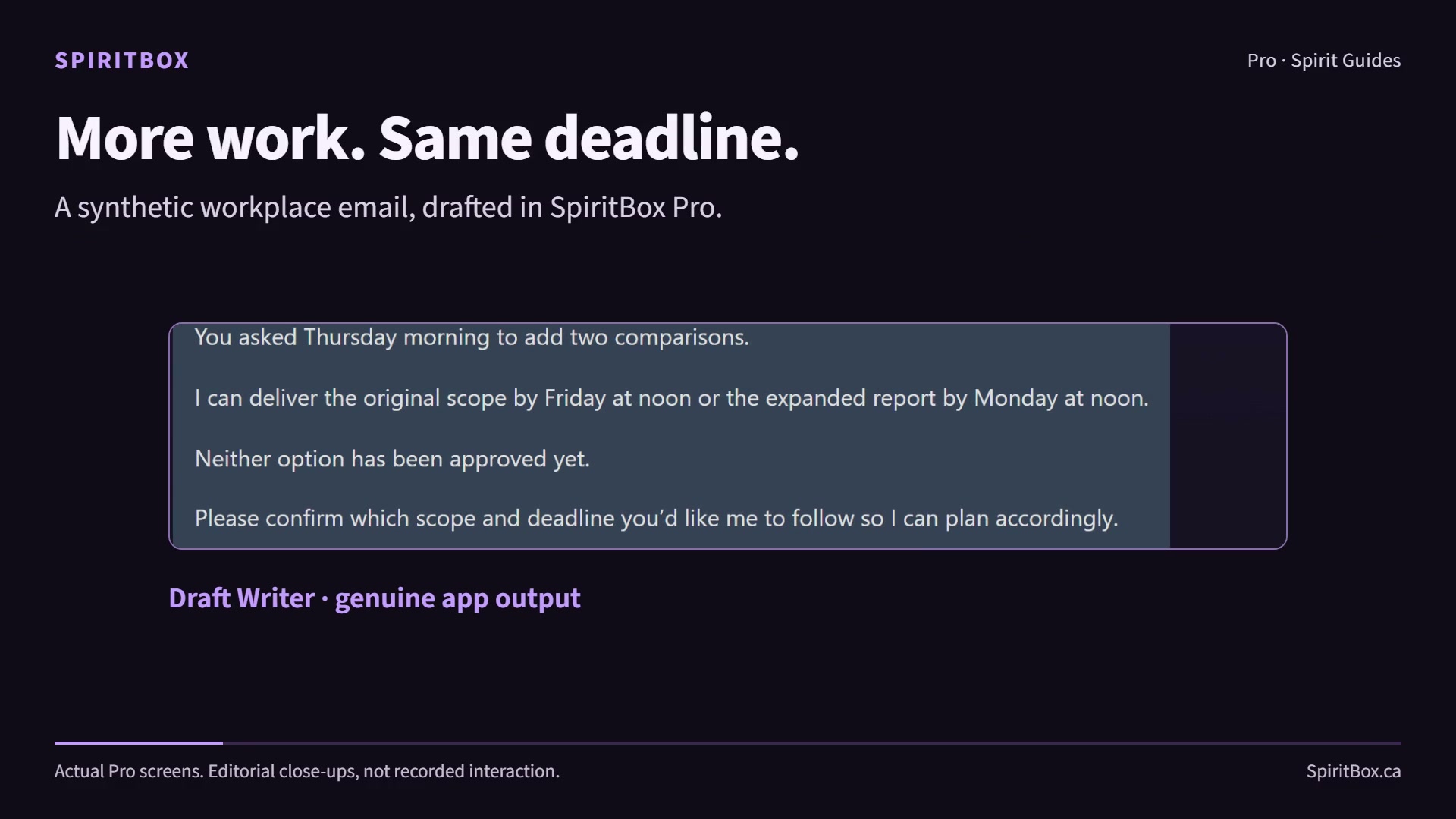
Actual Pro screens · A synthetic workplace example
Find your next useful tool.
Create a brand pack with free Emblem, organize crossing records with CrossCheck, start a local conversation with Basic, or explore the Ultimate workstation and a playable browser dungeon.
Windows & Mac · Early Access
CrossCheck
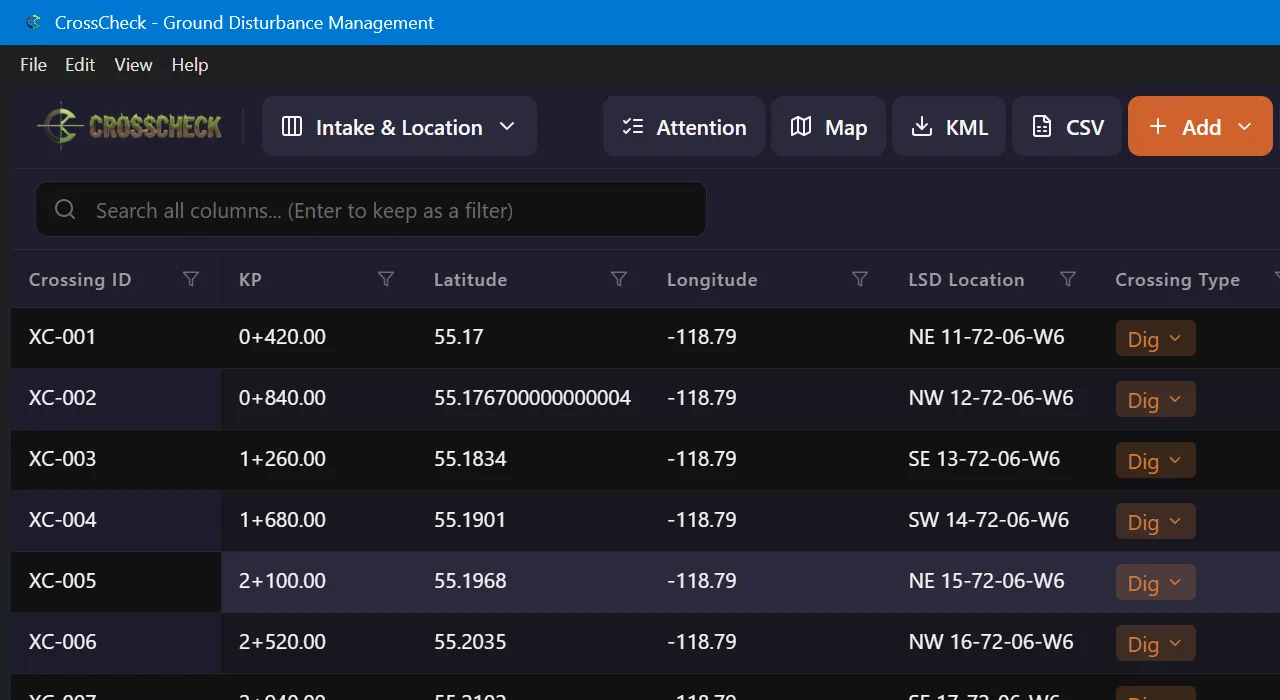
Bring crossing records and spatial files into one desktop workspace. Review revisions, spot attention items, and keep a project history.
New optional Windows x64 portable build 1.0.2-rc.3-native.1 is available as unsigned Early Access. The Windows 1.0.1 installer and Mac 1.0.0 remain available.
The new portable build is optional; no new Windows installer is released. It is unsigned and may prompt Windows SmartScreen. Mac 1.0.0 is the existing release and has not been newly tested.
The screenshot shows the existing CrossCheck interface with synthetic project data.
Windows 11 x64 · Portable Early Access
Emblem
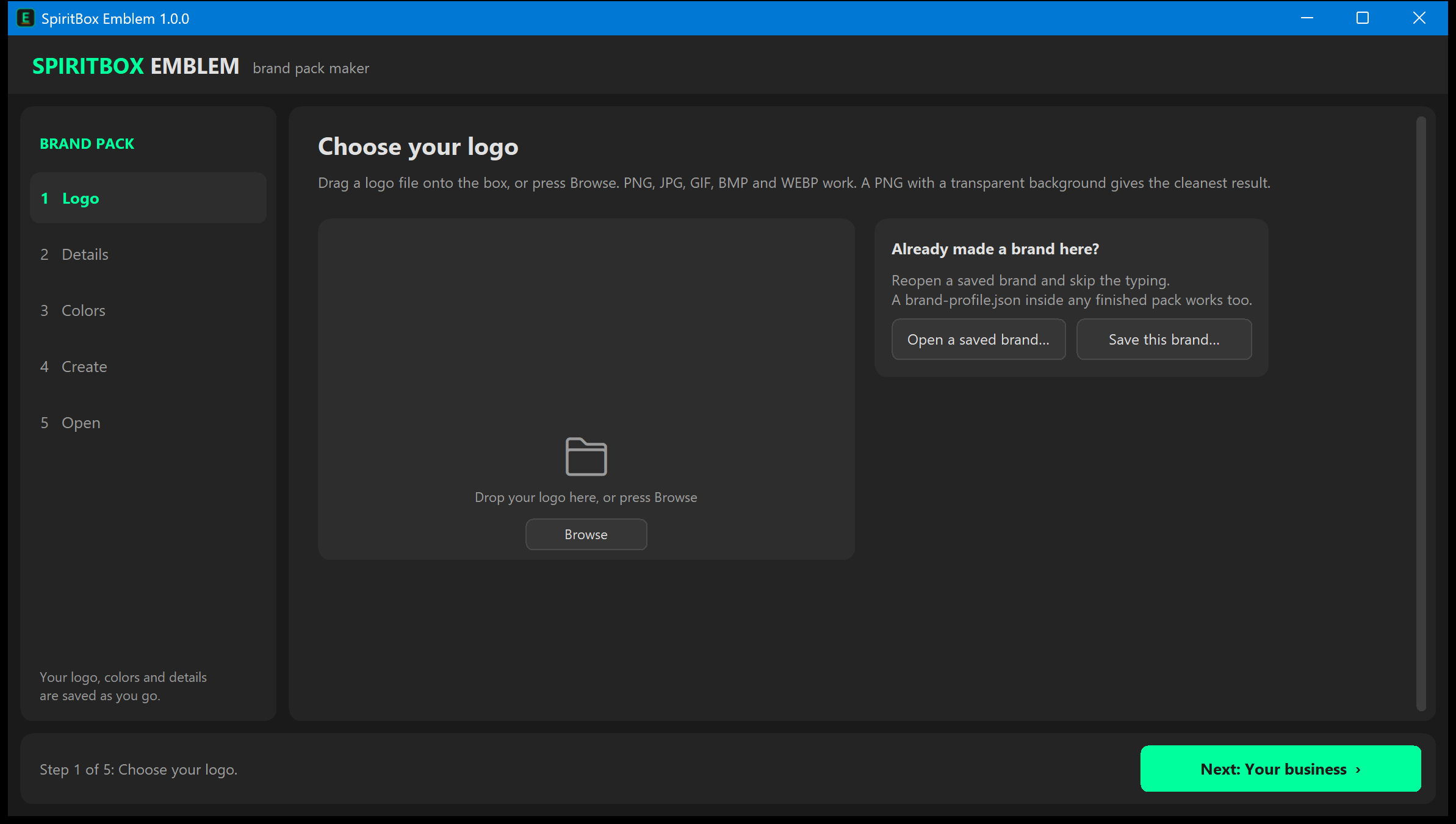
Turn your logo, brand colors and business details into coordinated, editable Word letterhead, a PowerPoint deck and an Excel invoice.
Download actual Word, PowerPoint and Excel samples with SpiritBox branding. Compatible document software required. No Emblem installation needed.
What you get and how to run it
Emblem 1.0.0 includes editable .docx, .pptx and .xlsx outputs, plus web icons and social banners. Download and extract the portable ZIP, then open Emblem.exe. The runtime is bundled; no Python installation is needed.
This free Early Access build is unsigned and may prompt Windows SmartScreen. Review the publisher and source before running it. Open the Office files in Microsoft Office or a compatible editor.
The screenshot shows the actual Windows app. Your own logo and business details shape the generated pack.
Windows 11 x64 - Early Access RC2
Nano Hustle
Turn item photos into listing drafts you can review, edit, save and export. Use a local vision model in LM Studio to help with the blank-page part of selling.
Ultimate 1.12 uses nine default Docker services. Models and ComfyUI require separate setup. Hardware fit depends on your workflows; complete Full-workstation and clean-machine qualification remain open.
Playable browser game
NetCrawl
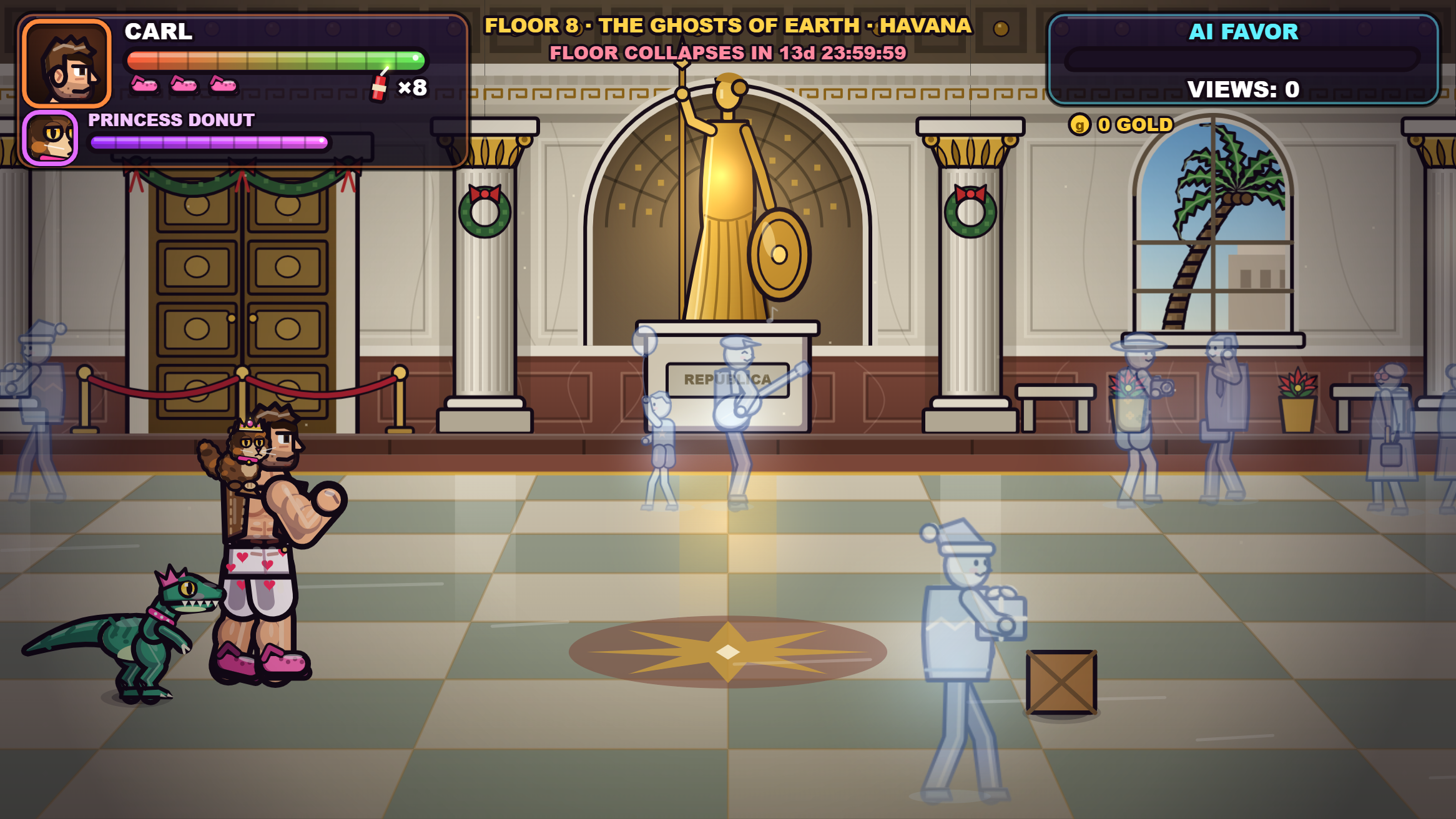
Pick a class and step into a procedural dungeon. Explore, find equipment, and see how far you can make it.
Fight through code-drawn scenes inspired by Books One through Six. Play with keyboard, gamepad or touch controls, and continue from browser-saved checkpoints.
An unofficial, non-commercial fan tribute to Dungeon Crawler Carl by Matt Dinniman. This game is not affiliated with or endorsed by Matt Dinniman, the publisher or other rights holders.
Artwork, music and sound are generated in code. Built with Claude Code. Progress is stored in this browser on this device.
A different kind of output.
Two finished films, created and assembled by Ryan. AI-assisted production, personal editing, and stories worth sharing.
A playful documentary about local AI, digital freedom, and the moment the story escapes its box. Created and assembled by Ryan.
About the film
The AI-generated host and her biography are fictional; cameos are labelled as lookalikes. The script was drafted with a cloud AI model. The film uses synthetic scenes, voices, music and graphics.
Small tools for the work between the big ideas. These are private previews and prototypes; explore the workflow and share what would help you.
Private workflow preview
Caption
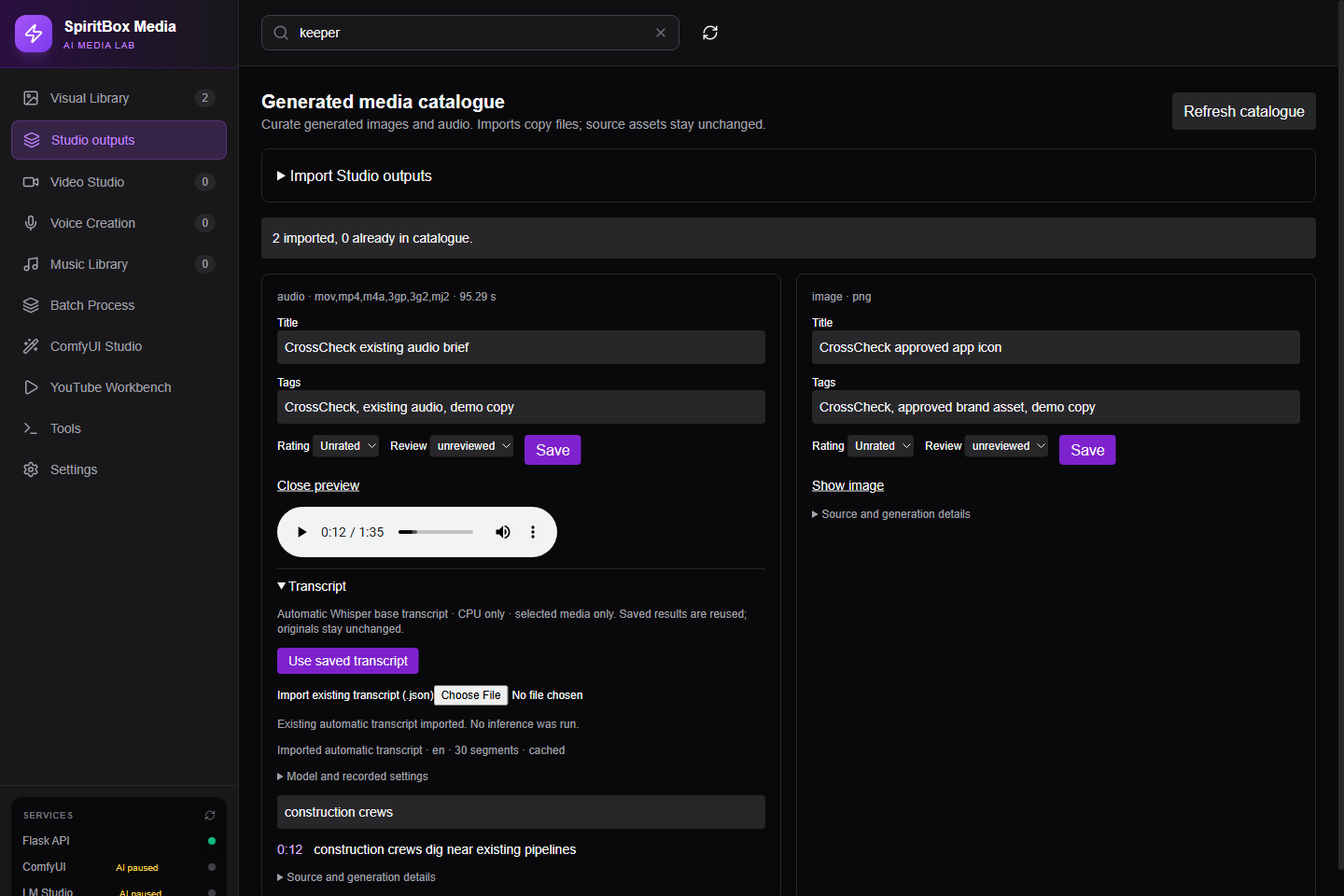
Find an image. Choose a keeper. Find the line you need in audio. A local media workflow for creative projects.
Watch the 65-second workflow
Actual browser actions, with explanatory text. The demo shows manual Studio import and an imported saved transcript; no fresh AI generation or automatic sync. No packaged release is available.